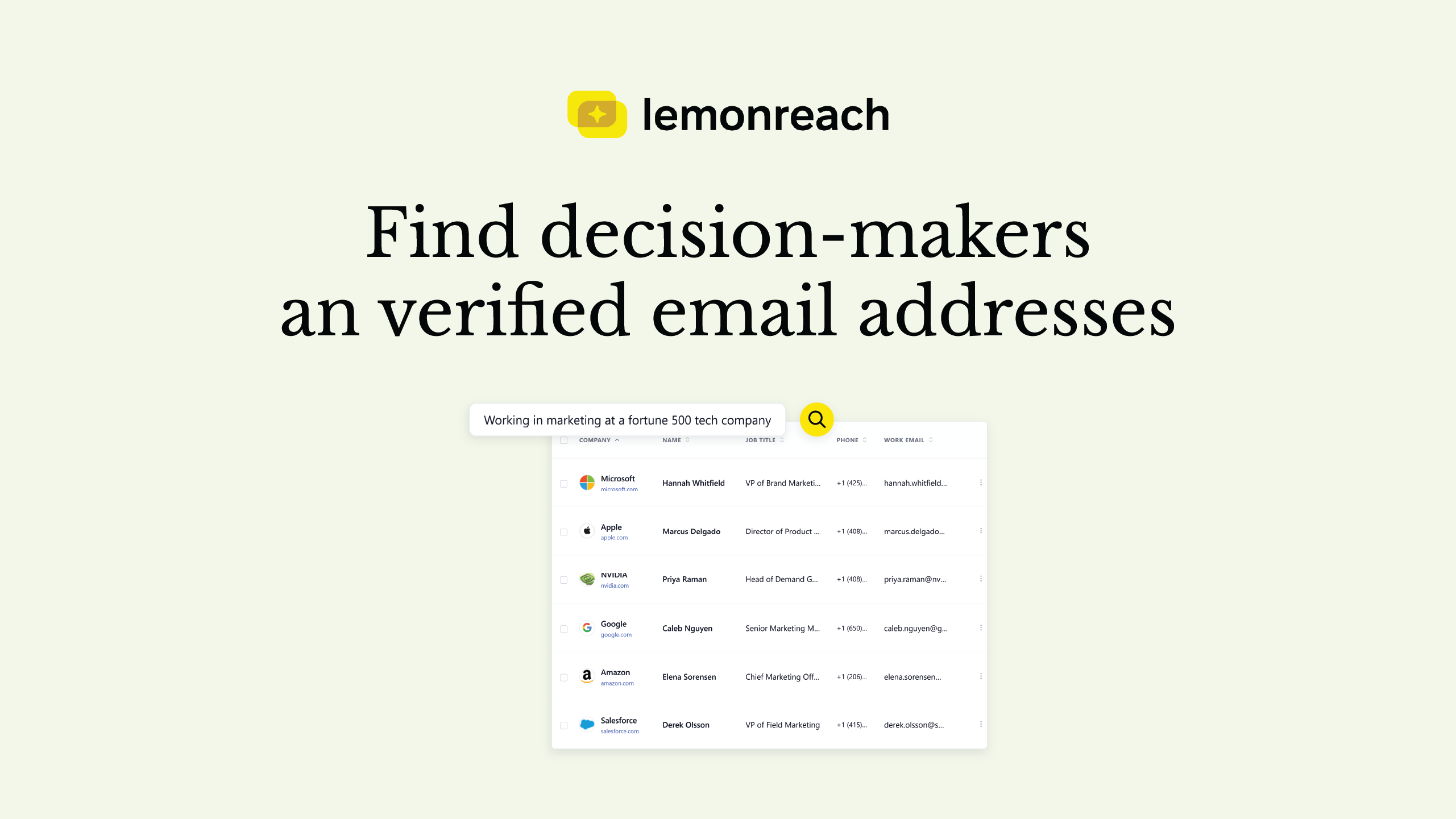
Registries tell you who holds a role, not how to reach that person. Allabolag and Bolagsverket show the CEO, board members and authorized signatories at Swedish companies, LinkedIn shows the title that registries don’t carry, and an email address requires a separate lookup and a validation step. lemonreach handles those last two steps for you: describe your target audience and get contacts with LinkedIn data and verified contact details.
This guide walks through the process step by step and explains what each source can and cannot do. The information about these sources was verified on 24 October 2026.
What do Allabolag and Bolagsverket show?
Allabolag states that management and board data comes from Bolagsverket and is updated every weekday. On a company page you can see the managing director, board members, auditors and external authorized signatories, along with the signatory rule, for example that the board signs jointly. Phone numbers on the site come from a separate provider (Valitive, according to Allabolag), and changes to roles must be made at the source, not on Allabolag.
Bolagsverket also has open data. According to third-party guides (I found no official documentation describing the contents), the free dataset provides basic information such as name, legal form, address, registration date and status, as well as annual reports. Signatory authority data reportedly comes from a separate, paid product. Check Bolagsverket’s developer portal for current terms.
Allabolag’s site also has one limitation worth knowing: regular, systematic collection or indexing of its content requires written permission from UC Affärsinformation. What you do manually for individual companies is one thing, a scraping pipeline is another.
Who is the decision-maker at a small versus a larger company?
At a small company, the answer is often straightforward. The CEO is also the owner or chair of the board and makes the buying decision themselves. In that case, the registry is enough to find the name.
At a company with 50 employees or more, the decision more often sits with a role below the CEO, for example Head of Sales, Head of Marketing or IT Manager. These people don’t appear in the registry because they’re not board members or authorized signatories. LinkedIn is the right source for them.
How does LinkedIn complement the registries?
Use the registries to confirm that the company exists, is active and who formally leads it. Use LinkedIn for the title: search the company page for the role you’re targeting and confirm the person still works there. A title that’s two years out of date is a common reason an email ends up with the wrong person.
How do you get an email address?
This is the step that registries don’t cover. Your options are:
- Guess from a pattern. [email protected] works sometimes. When it doesn’t, the email bounces, and bounces damage your sender reputation. This is the worst method.
- Contact pages and web forms. A company’s general inbox info@ rarely reaches the decision-maker.
- Lookup against a data source with validation. The address is retrieved from a source and checked in multiple steps before it’s used.
The third option is the one that scales. A chat assistant can’t independently know someone’s work email and may produce something that looks plausible, so the address must come from an actual lookup.
How do you verify an address before sending?
The check should happen in several steps: confirming the syntax is correct, that the domain exists and can receive mail, and that the mailbox is reachable. Each step catches different errors, and only addresses that pass all of them should go into a sequence.
How does lemonreach find decision-makers and verified contact details?
The registry and LinkedIn lookups you do by hand. With AI Prospecting in lemonreach, you do it in one step:
- Describe your target audience in plain language. For example, “heads of sales at Swedish e-commerce companies with 50 to 200 employees”. You get back matching companies and contacts, with titles and LinkedIn data for each person, ranked against your description.
- Save the ones that fit. You only pay to enrich the contacts you actually want to reach.
- Enrich with verified contact details. lemonreach retrieves the work email and, if you call, a direct phone number. Contact details come from a single data provider and are validated in multiple layers, with 98 percent accuracy for verified work emails. A verified work email costs 2 credits and a direct number costs 4.
- Move to campaign. Saved contacts go straight into a sequence, where the email is written for each person based on news and LinkedIn, in their language. No export, import or field-matching between tools.
AI Prospecting is an add-on at €79 per month with 1,200 credits, enough for around 600 enriched email addresses. How that compares to other setups is covered in AI prospecting: how to find leads and contact details, and the full monthly budget is worked out in the cost of cold email software.
Registries are still useful for double-checking an individual company, for example its authorized signatories or whether it’s active. But for a list of hundreds of companies, prospecting is what saves the hours.
What does a workflow look like in practice?
- Define your target audience: industry, company size and region.
- Describe it in AI Prospecting and review the first 25 to 50 results. If half are wrong, adjust the description, not the list.
- Save the ones that fit and enrich them with verified email.
- Check individual key companies against Allabolag or Bolagsverket if the role is critical.
- Start the campaign with a small batch and measure the responses before scaling up.
When is doing it manually enough?
If you have 30 named companies, Allabolag, LinkedIn and a validation step will serve you well. The manual approach stops paying off as the list grows, since each contact takes several minutes and the email address still needs to be found.